Convert your images into beautiful Excel artwork with professional adjustments for brightness, contrast, and more. Easily create pixel-style table art
Supports JPG, PNG, GIF and other formats
Please upload an image to start conversion
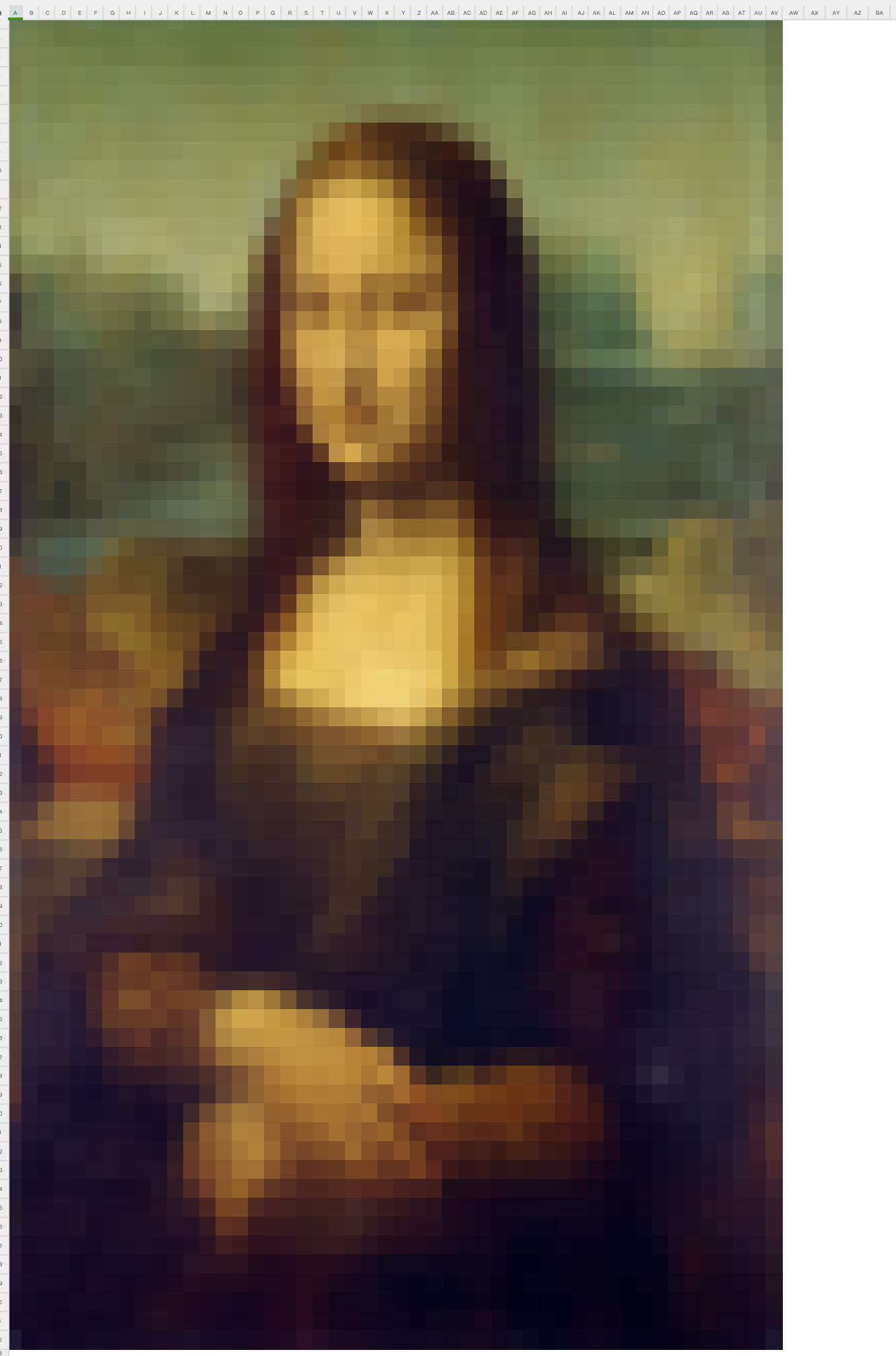
Click or drag images to the upload area, supports JPG, PNG, GIF and other formats
Adjust max pixels, brightness, contrast, saturation and other parameters to optimize conversion results
Configure cell size, background color, border style and other Excel output parameters
Click the generate button, the system will create an Excel file and automatically download it
Choose images with higher contrast for better results, avoid overly complex details
Properly adjusting brightness and contrast can enhance the visual effect of pixel art
Smaller pixel counts work well for simple patterns, larger pixel counts preserve more details